Understanding WhatsApp Message Templates: Utility, Marketing and Authentication
WhatsApp message templates serve different business purposes. Understanding Utility, Marketing, and Authentication categories helps businesses design clearer and more appropriate customer communication.
Why templates matter
Businesses often need to initiate communication with customers for specific business purposes. WhatsApp message templates provide a structured way to prepare these messages.
A template may contain fixed text together with variables that are populated at sending time.
For example, a business may insert a customer's name, reference number, date, or another transaction-specific value.
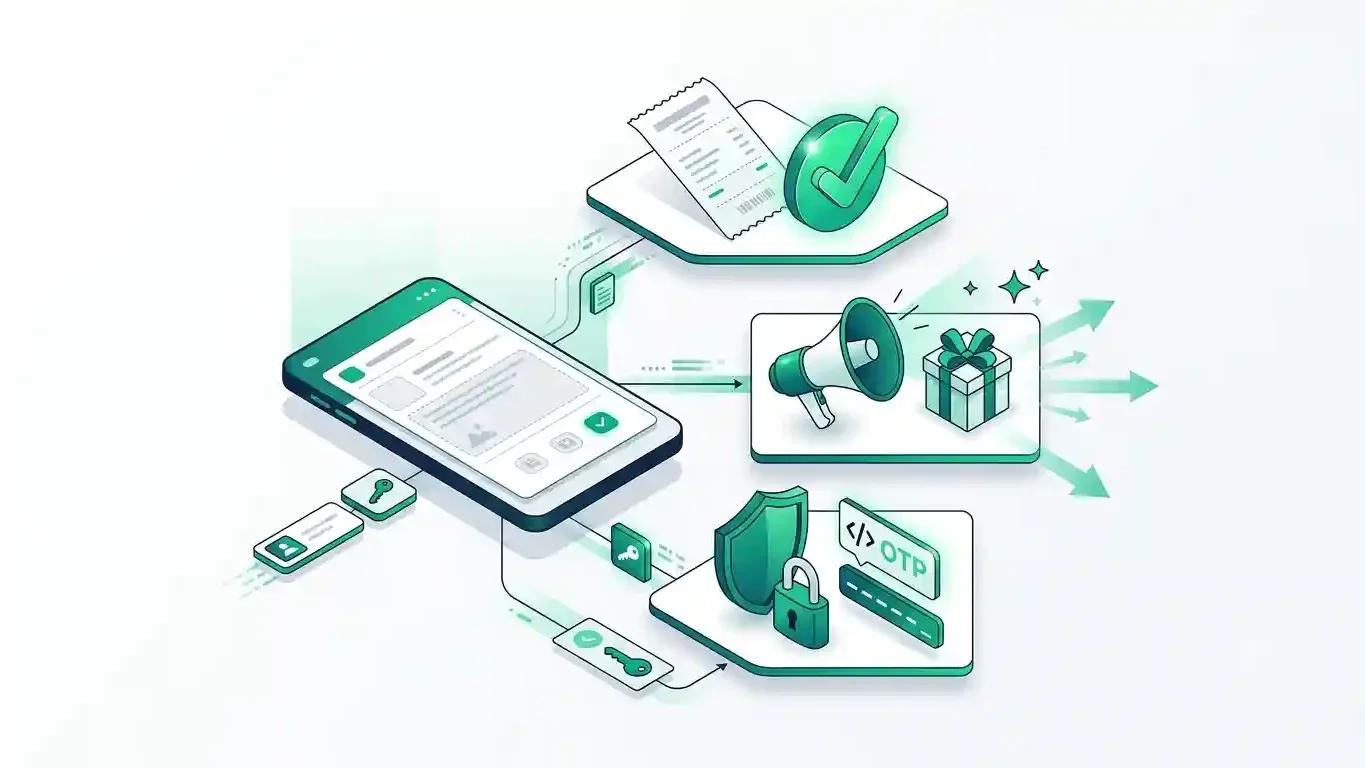
Utility messages
Utility communication generally relates to an existing transaction, service, account activity, or customer-requested process.
Typical examples may include:
- Order or service updates
- Payment or account information
- Appointment reminders
- Transaction-related notifications
- Requested business information
The key idea is that the message supports an existing customer relationship or action.
Marketing messages
Marketing communication is generally promotional or engagement-oriented.
Examples may include:
- Promotions
- Product announcements
- Special campaigns
- Recommendations
- Offers intended to encourage future business activity
Businesses should make sure the message purpose and customer consent are appropriate before sending promotional communication.
Authentication messages
Authentication templates are designed for identity verification workflows.
A common use is delivering one-time authentication information as part of a secure login or verification process.
Authentication communication should stay focused on the verification purpose.
Variables require careful mapping
Suppose a template contains variables such as:
{{1}}, {{2}}, {{3}}
The campaign system needs to know exactly which customer field should populate each variable.
A preview before sending helps identify mapping mistakes early.
Templates should remain organized
As the number of templates grows, businesses benefit from being able to:
- View templates
- Synchronize their status
- Select templates for campaigns
- Map variables
- Attach required media
- Review content before sending
PINGORYX brings these activities into one controlled workflow.
Choose the category by purpose
A useful rule is to think about why the customer is receiving the message.
Understanding that purpose helps businesses create clearer communication and manage their WhatsApp messaging more responsibly.
Comments
Knowledgeable post